Stock & Crypto Trading Bot
Trade U.S. stocks through Alpaca and cryptocurrencies through Coinbase, Alpaca Crypto, Crypto.com, or Kraken—all from one powerful Windows desktop application with a modern dashboard, automated trading controls, and secure SentriHost licensing.
License delivery is automatic after PayPal checkout. You receive a license key by email and activate inside the app.
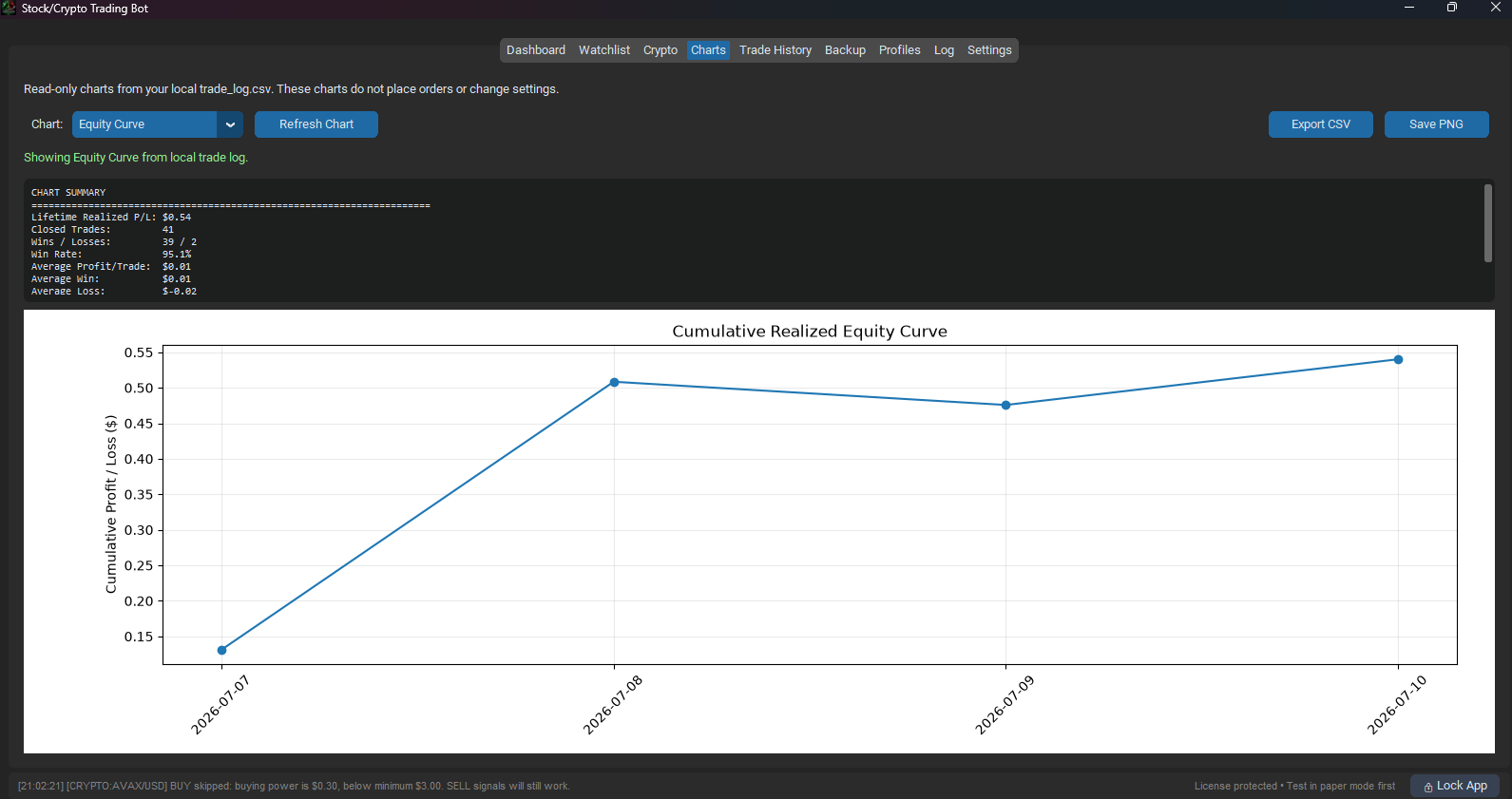
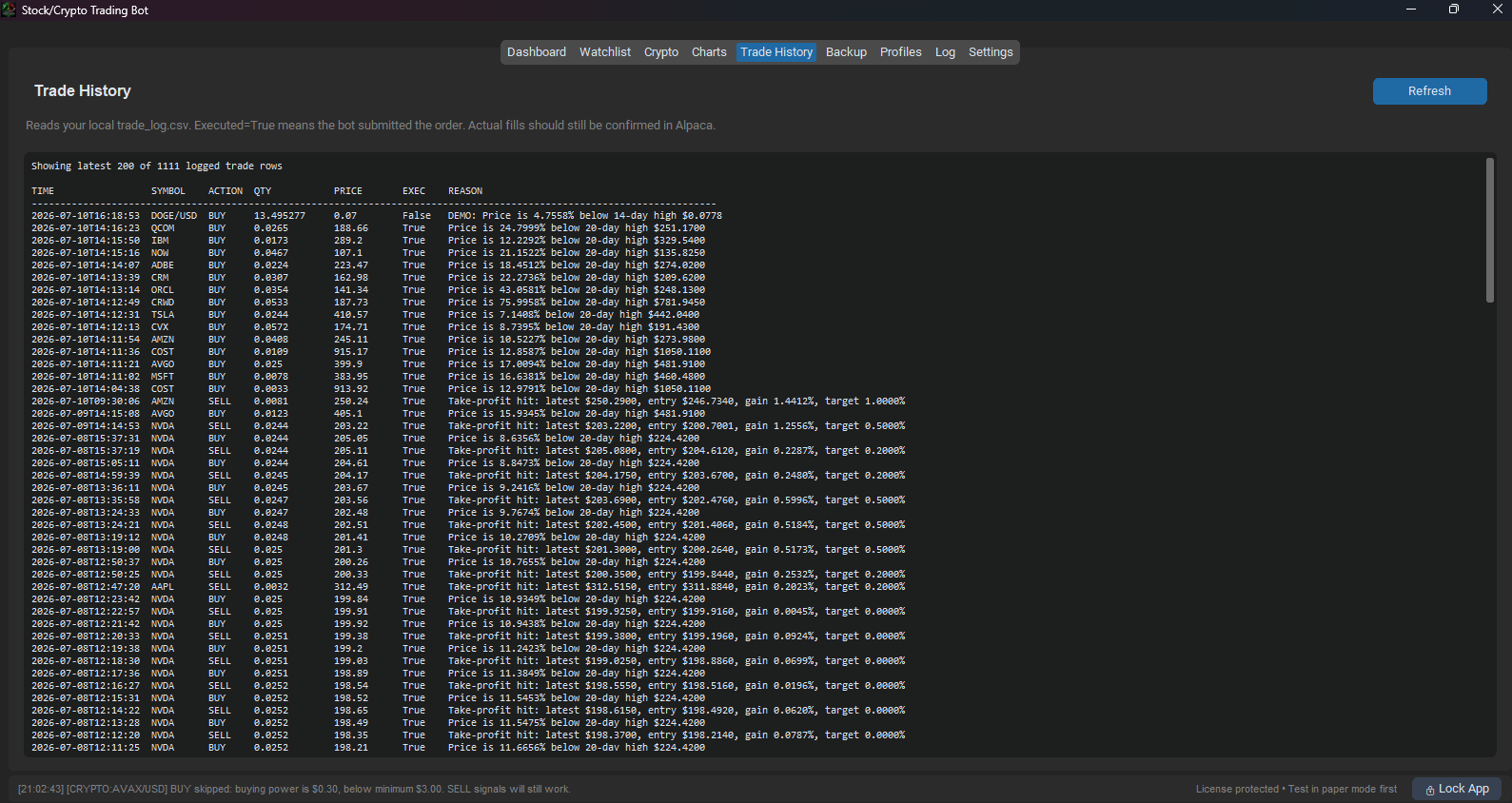
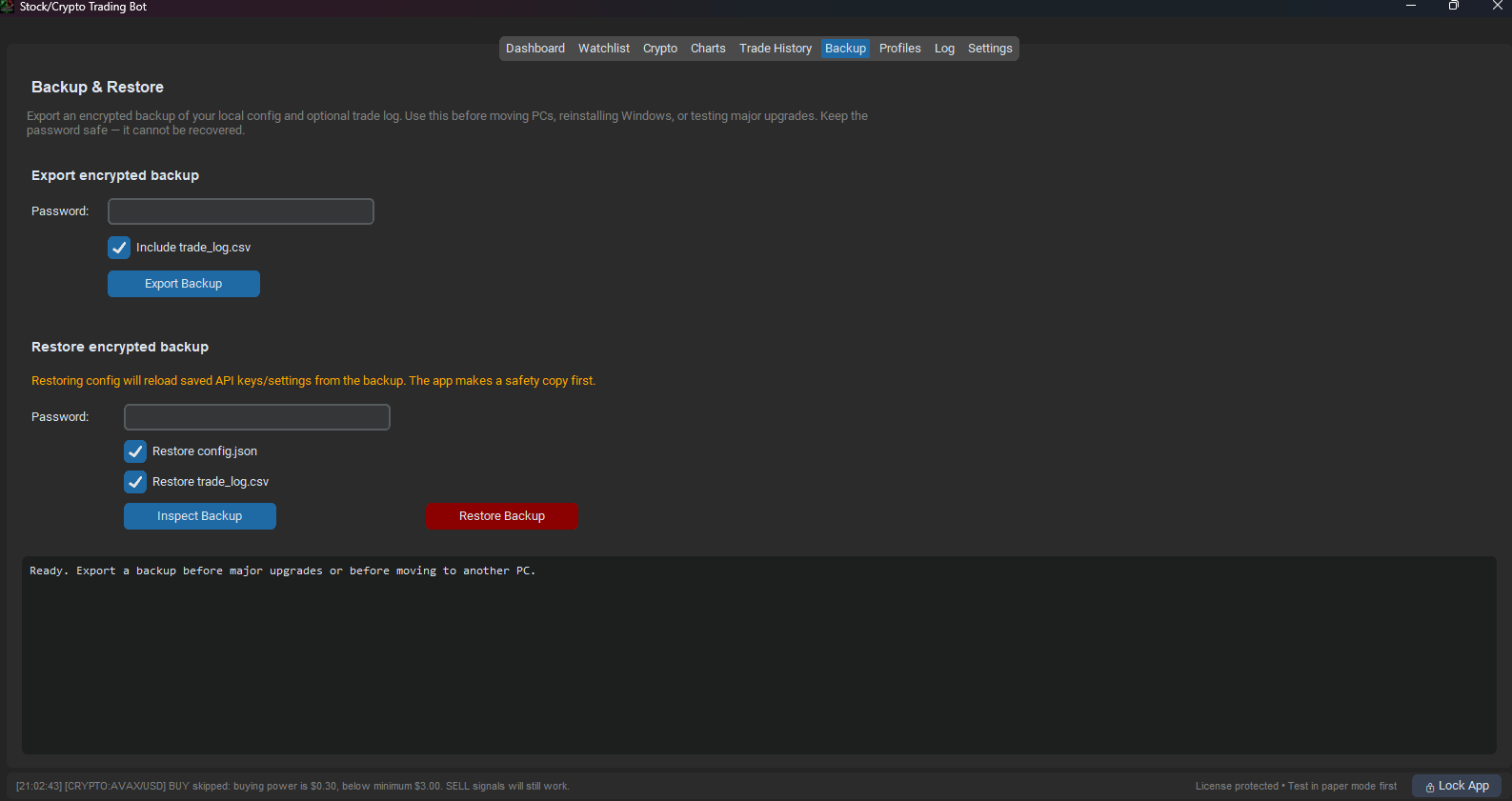
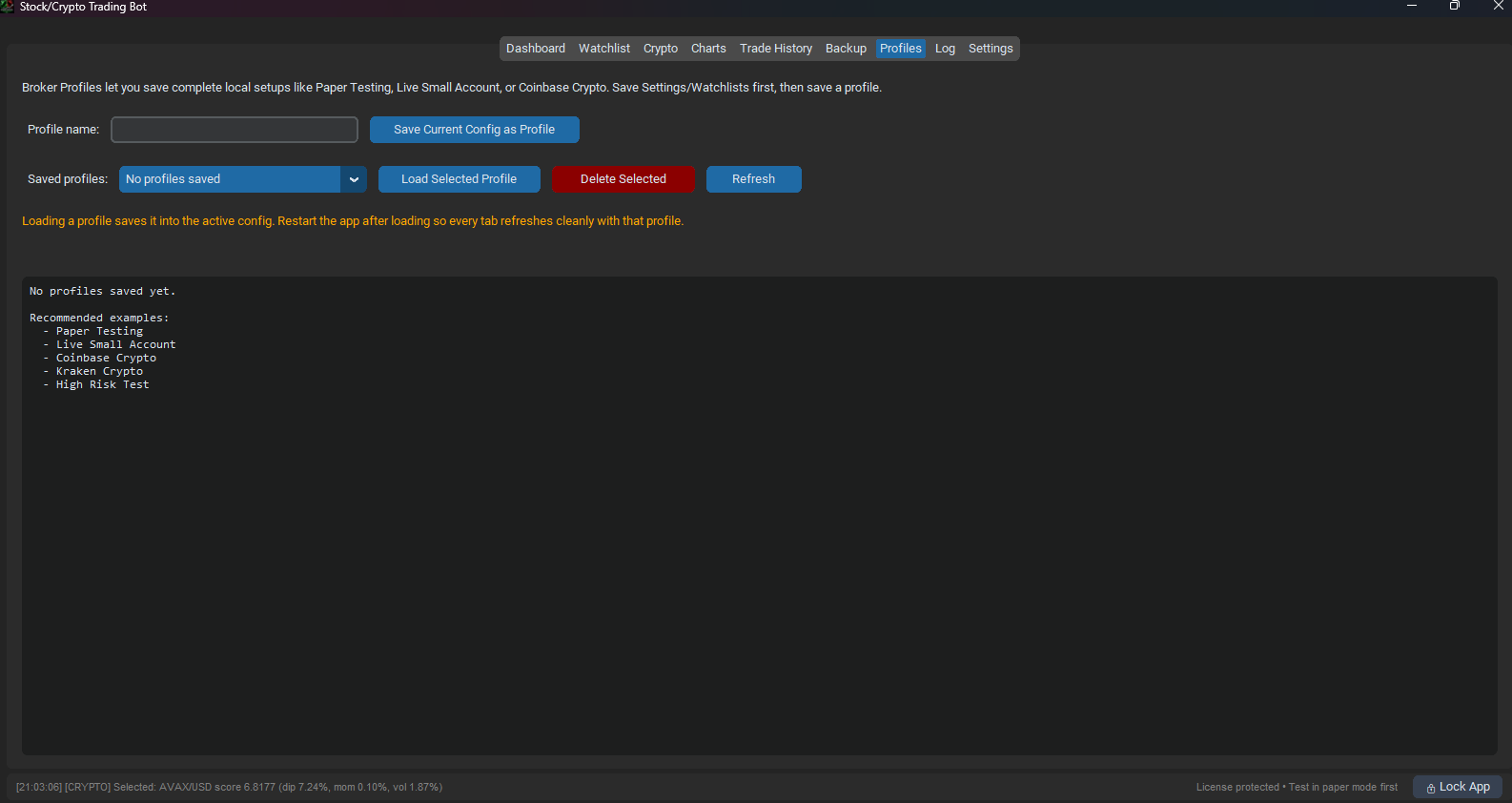
Online activation, license recovery, machine management, and offline grace support.
Built-in update checks with verified installers delivered through SentriHost.
Pay once for the standard license. No monthly subscription or recurring fees.
Modern Windows desktop application that runs locally on your computer.
Manage stock trading and cryptocurrency trading from one application.
Stocks through Alpaca. Crypto through Coinbase, Alpaca Crypto, Crypto.com, or Kraken.
Built for traders who want a professional desktop app with licensing, updates, and multiple broker options.
What you get
Multi-Broker Trading
Trade stocks through Alpaca and crypto through Coinbase, Alpaca Crypto, Crypto.com, or Kraken from one unified desktop app.
Paper, Live, and Dry-Run
Practice with fake money first, review dry-run signals, then enable live trading only when you are ready.
Buy/Sell Rules
Configure dip %, profit %, stop-loss %, cooldowns, position size, max positions, daily loss limits, and budgets.
Charts + Trade History
Review chart summaries, executed trade logs, activity history, and performance details from inside the desktop app.
SentriHost Licensing
Online activation, license validation, machine management, license recovery, and offline grace support.
Auto Update System
The app checks SentriHost for the latest version and downloads verified installers when updates are available.
Supported brokers & exchanges
Powered by Alpaca
Connect Alpaca API keys for U.S. stock and ETF trading.
- Alpaca live trading
- Alpaca paper trading
- Stock and ETF watchlists
- Automated buy/sell rule controls
Choose your crypto provider
Use the crypto exchange you already prefer while keeping one dashboard, one license, and one settings workflow.
Inside the application
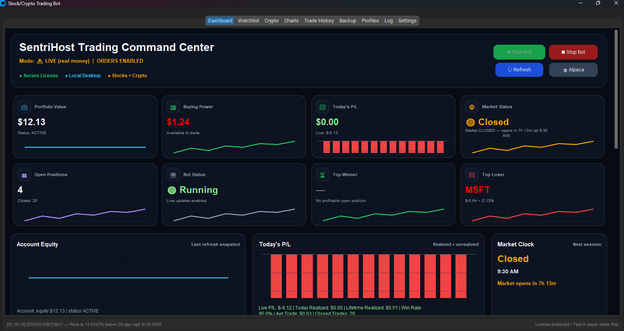
Click the screenshot to open it larger.
Dashboard
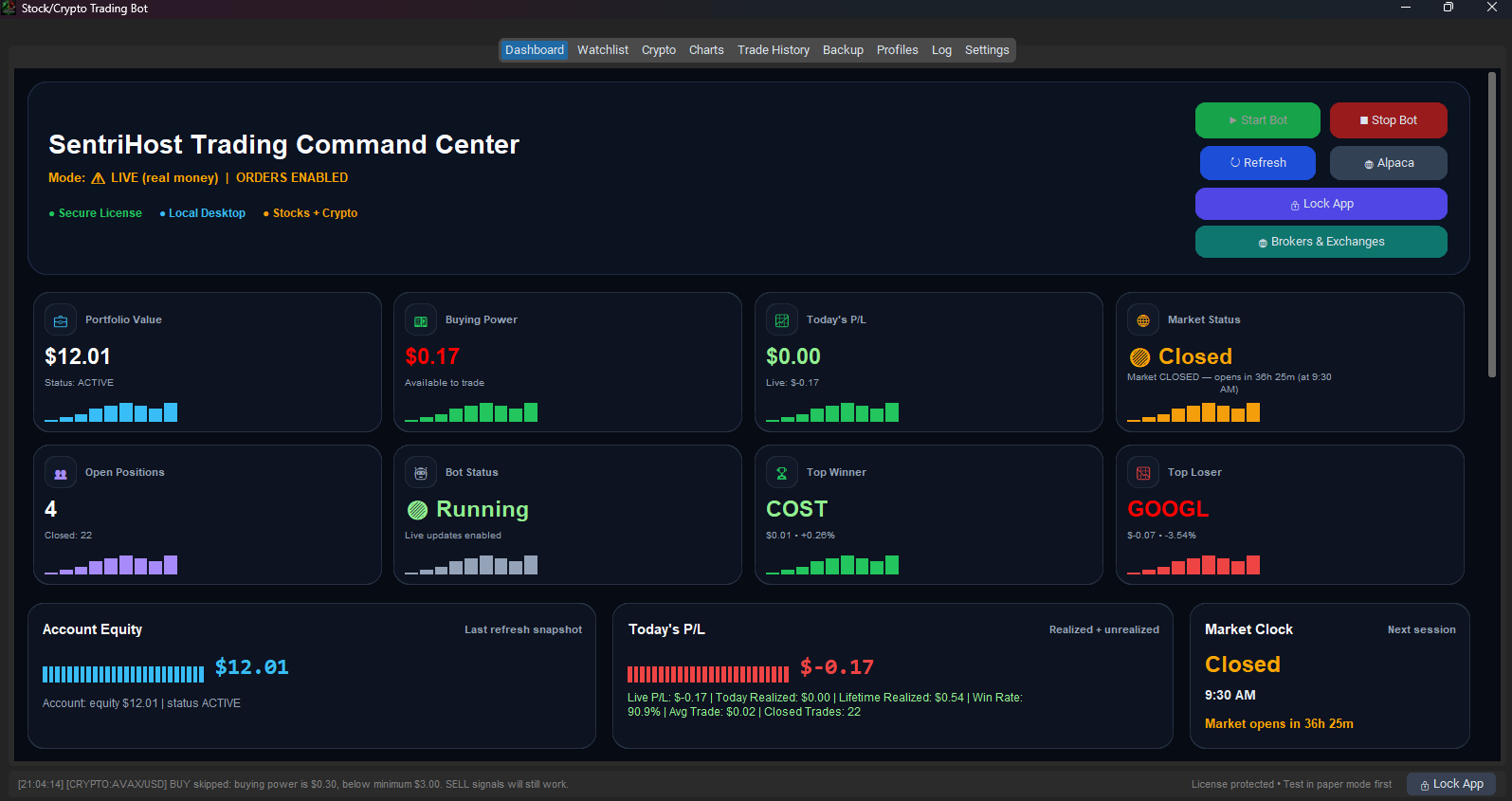
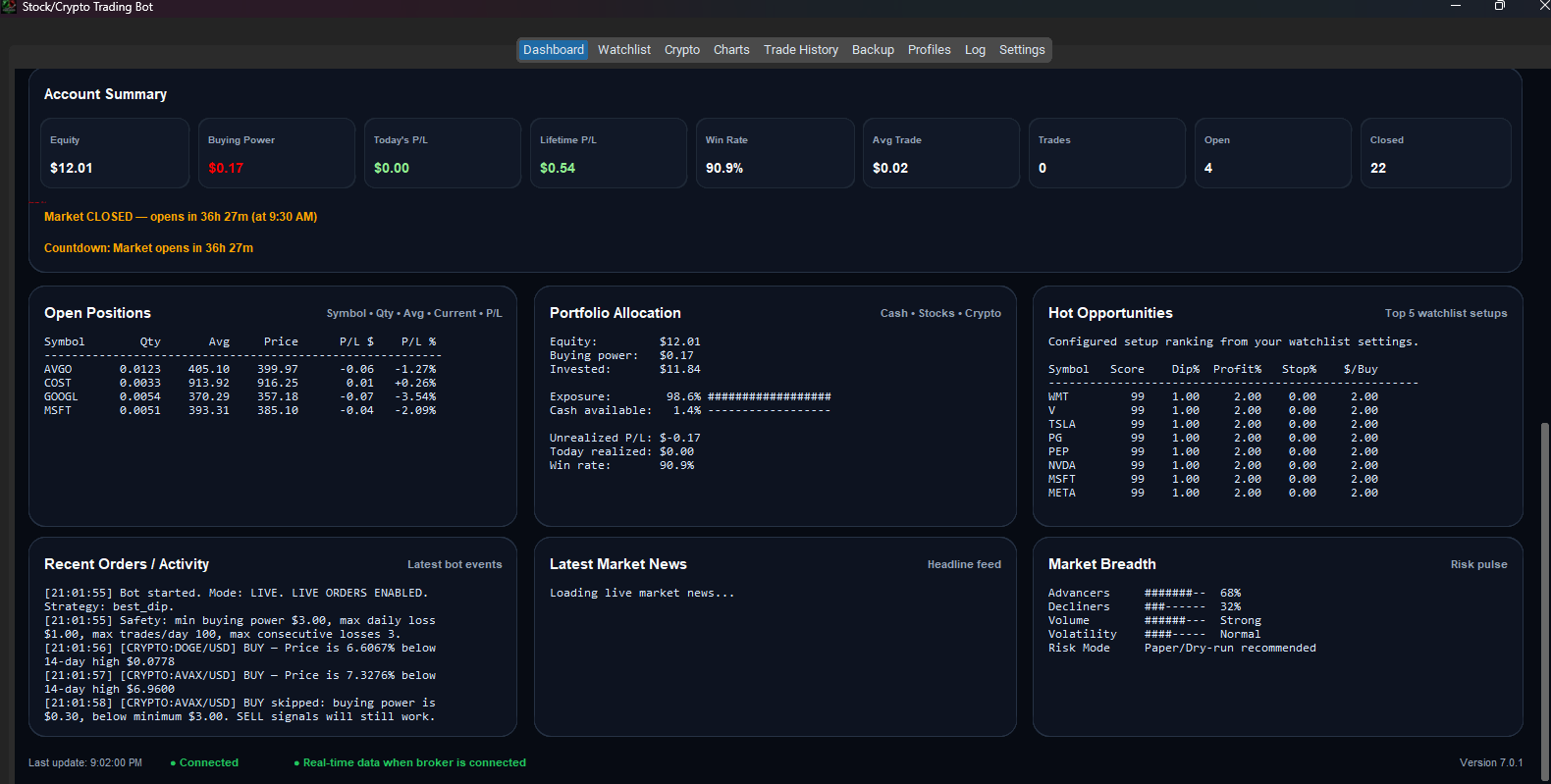
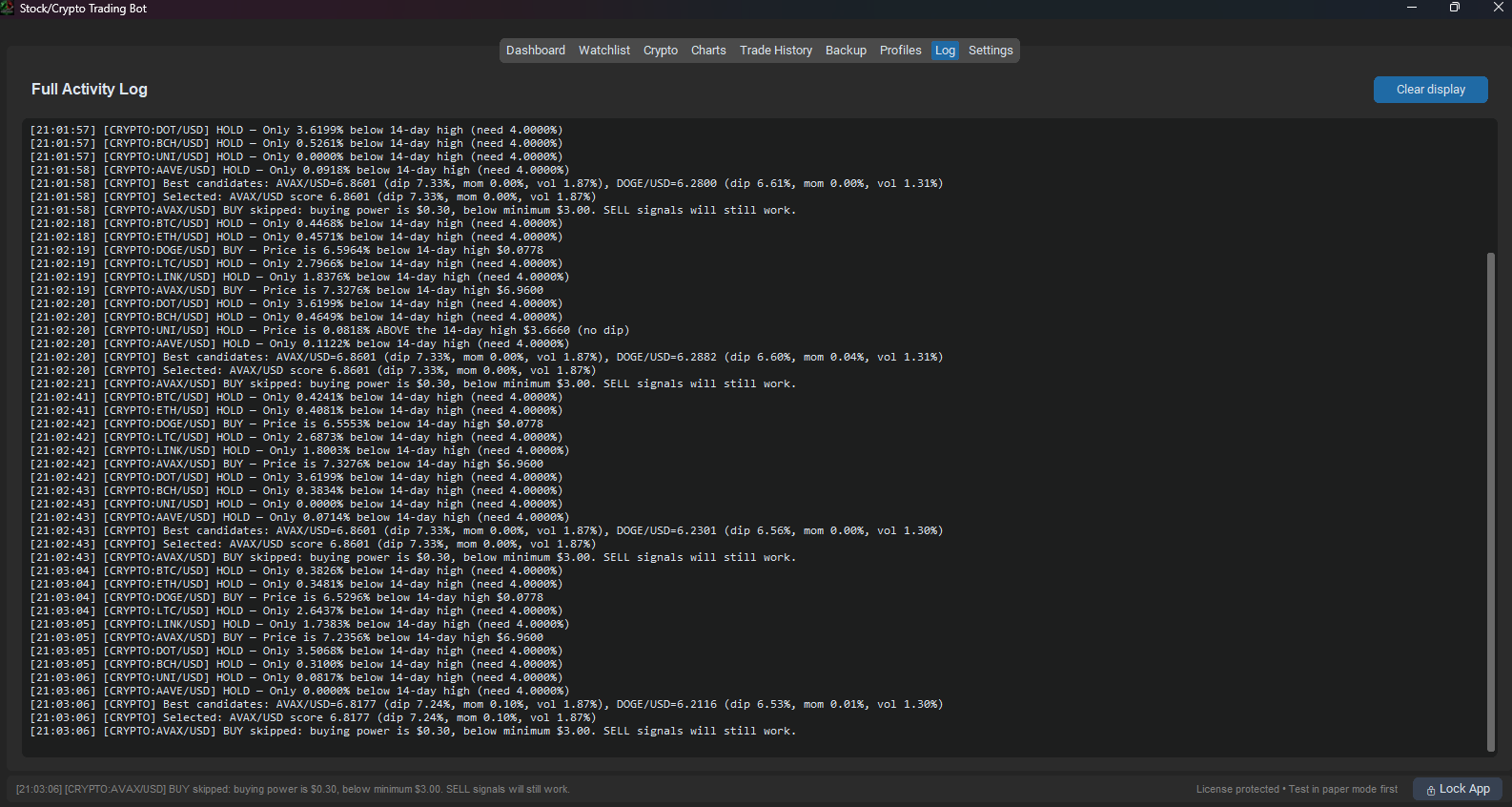
Portfolio value, buying power, today's P/L, open positions, bot status, market status, and live activity log.
Watchlists
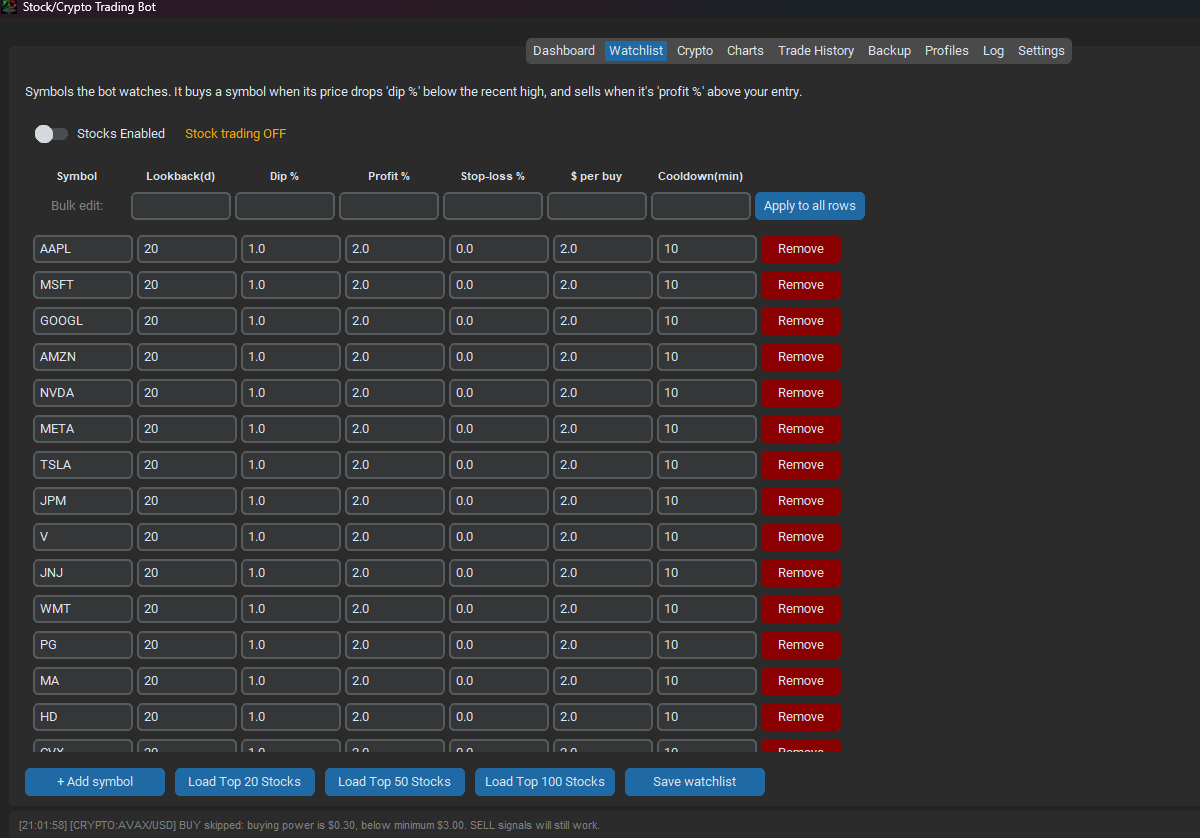
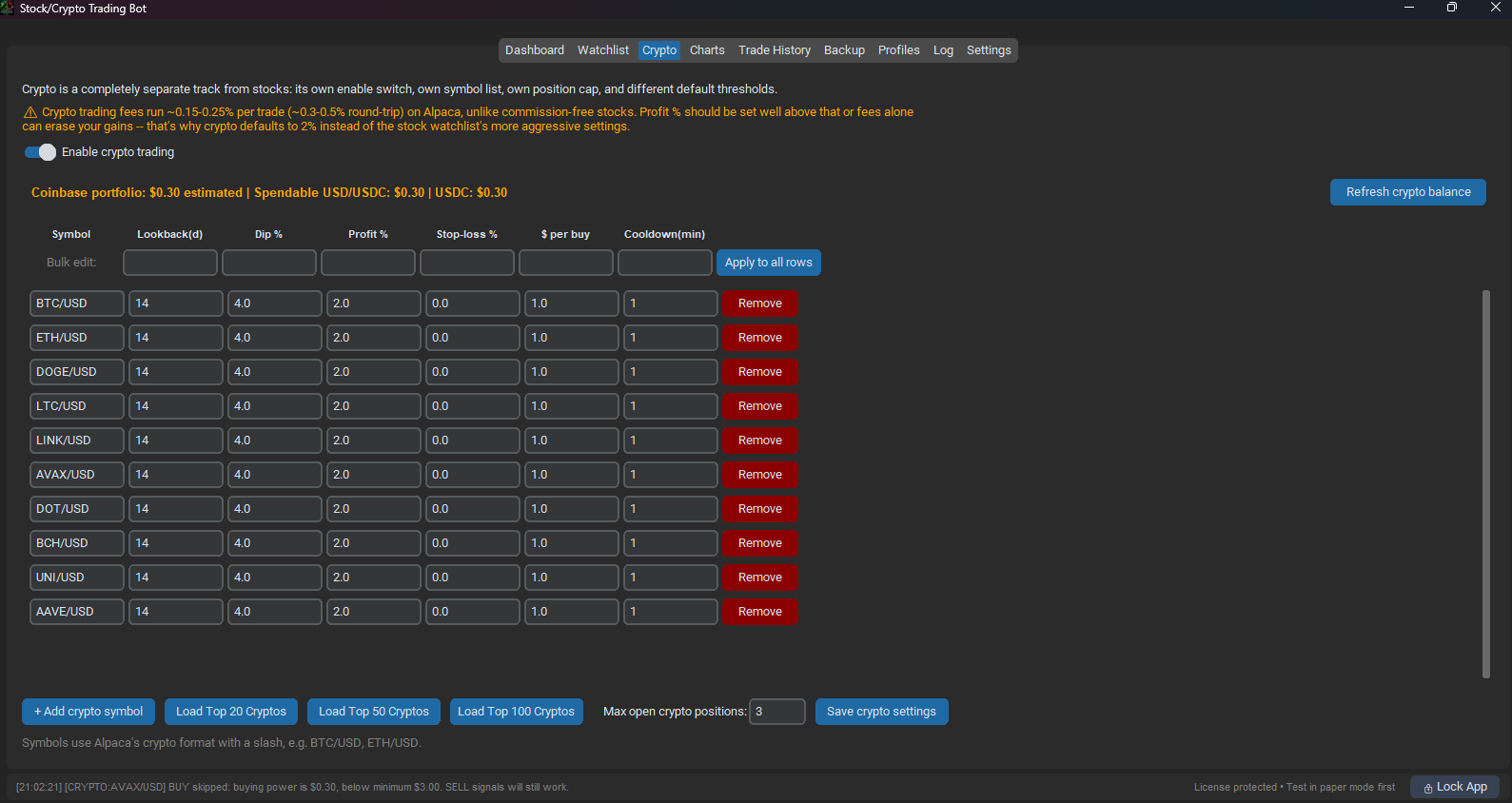
Add symbols manually or load Top 20, Top 50, and Top 100 stock/crypto presets.
Settings
Paper/live API keys, dry-run mode, risk limits, trailing stops, budgets, update checks, account tools, and backup controls.
Customer Portal
Activate, validate, deactivate, recover, download updates, request features, and open help pages.
How it works
Purchase a standard license through PayPal for USD 10.00.
Install the latest Windows version from the download page.
Paste your license key into the app's SentriHost Customer Portal.
Add Alpaca stock keys, choose your crypto provider, set paper/live mode, configure risk controls, and build watchlists.
Settings overview
Broker setup
Alpaca stocksCoinbaseAlpaca CryptoCrypto.comKraken
Use Alpaca for stocks and choose Coinbase, Alpaca Crypto, Crypto.com, or Kraken for crypto trading.
Risk controls
Max positionsDaily loss limitStop-lossTrailing stop
Built-in guardrails help limit exposure and prevent runaway automation.
Watchlists
StocksCryptoPresetsBulk edit
Configure stocks and crypto separately with different defaults and position caps.
Customer tools
Customer PortalHelpFeature requestsUpdates
Customers can recover licenses, request features, and get the latest installer from SentriHost.
Feature comparison
| Feature | Included |
|---|---|
| Paper trading | ✅ |
| Live trading controls | ✅ |
| Alpaca stock trading | ✅ |
| Stock watchlists | ✅ |
| Coinbase crypto support | ✅ |
| Alpaca Crypto support | ✅ |
| Crypto.com support | ✅ |
| Kraken support | ✅ |
| Crypto watchlists | ✅ |
| Charts and trade history | ✅ |
| Secure license activation | ✅ |
| Auto updates | ✅ |
| License recovery | ✅ |
| Help center and feature requests | ✅ |
| One-time purchase | ✅ USD 10.00 |
Important trading warning
Paper mode uses fake money. Live mode uses real money and can lose money. This software is a tool for automation and configuration; it is not financial advice and does not guarantee profits. Test thoroughly in paper mode before enabling live trading.
FAQ
Is this a subscription?
No. The current standard license is a one-time purchase shown on this page.
Does it support paper trading?
Yes. Paper mode is recommended for setup and testing before live trading.
Does it support live trading?
Yes, but live mode uses real money and can lose money. Start with paper and dry-run mode first.
Which brokers and exchanges does it support?
Stocks and ETFs use Alpaca. Crypto trading supports Coinbase, Alpaca Crypto, Crypto.com, and Kraken, so you can choose your preferred provider in the app settings.
How do updates work?
The app checks SentriHost for the latest version and can download a verified installer from the update server.
Can I recover my license?
Yes. Use the Customer Portal to email your license keys back to your purchase email.
Ready to get started?
Current installer: StockCryptoTradingBot.exe